Chart Requests
|
While most institutions now use electronic charts, sometimes a paper chart is still necessary. The Personal Planner > Lists tab > Chart Requests sub-tab allows you to view and make both electronic and paper chart requests. To manage chart requests:
Tip: If you want to view chart requests within a specific range, set the Date From and Date To fields. Note: If you have access, you can edit the User and Provider fields to view chart requests for a different provider.  Add Chart Requests Add Chart Requests
Note: Staff responsible for chart allocations can view requests in the Chart Tracker overview module.
Note: If the patient has an electronic chart, a warning appears and asks if you want to continue. Click Yes or No as necessary. Note: If another user has already made a chart request for the same date/time period, an error displays.
Select Patients
Delete Chart Requests
Print the List of Chart Requests
|
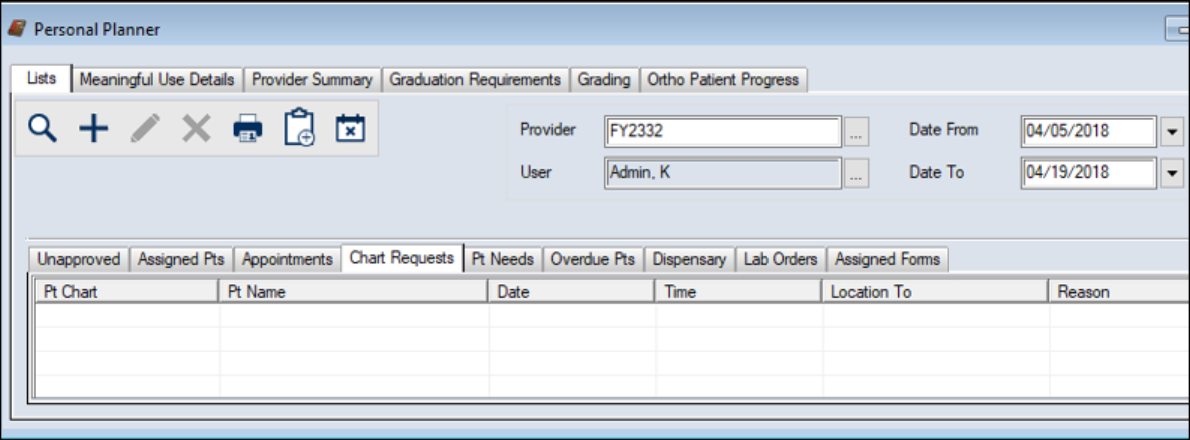
 ) icon to display your list of chart requests.
 ) icon to display the Select Patient window.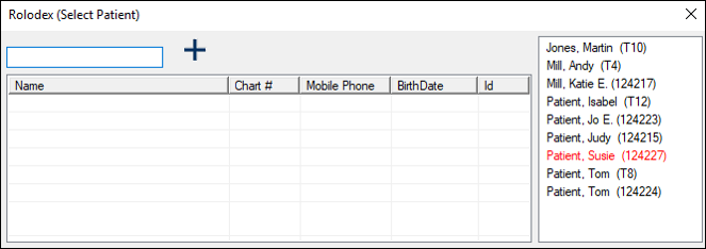
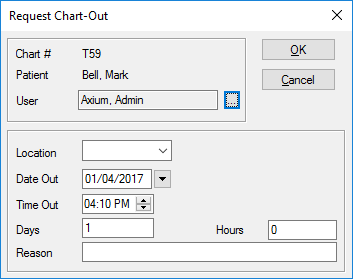
 ) icon.
 ) icon.
